
d
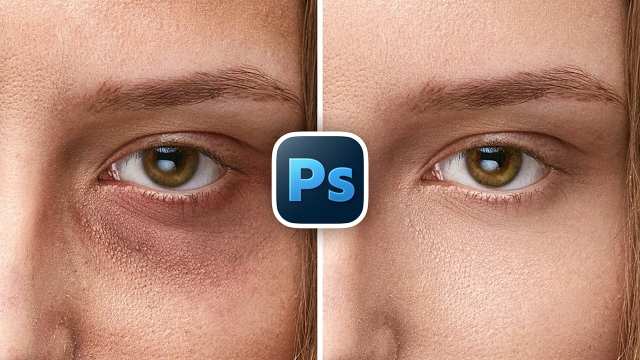
Remove Eye Bags with High-End Retouch in Photoshop
Photoshop in Minutes
بزرگسالان
رایگان
12 بازدید
1 ماه پیش
12 بازدید • 1 ماه پیش • آموزشی • بزرگسالان • رایگان
توضیحی برای این کانال ثبت نشده است.
Fix crossed and uneven eyes, lazy eyes, or strabismus automatically in Photoshop with super-quick, realistic techniques that work with or without built-in AI tools!
🚀 Join PiXimperfect Pro - The Ultimate Photoshop Training Course: https://pix.live/pro
In this tutorial, I'll show you two simple methods to perfectly align eyes while keeping everything natural and realistic: first, using Photoshop's AI-powered tools with partner models Nano Banana Pro (Gemini 3), along with the right selections and masking so nothing shifts or looks artificial. And second, a free alternative that combines Photoshop with Gemini online access for those who don't have access to the latest AI features in Photoshop. You'll learn why the right selections matter, how to control masks for precision, and how to maintain resolution and accuracy throughout the process, all in just a few minutes. Whether you're retouching portraits professionally or fixing a quick issue on a client's or personal project, this method helps you achieve clean, highly realistic results every time. I hope this video helps you. Thank you so much for watching :)
► TIMESTAMPS:
00:00 Intro
00:13 Using Photoshop AI
02:32 Without Photoshop AI - Free Alternative
هنوز نظری ثبت نشده است.