
d
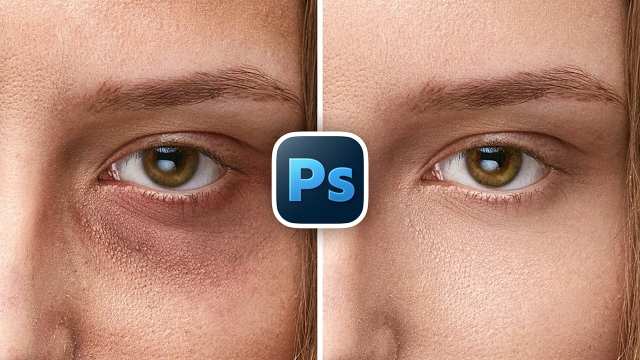
Remove Eye Bags with High-End Retouch in Photoshop
Photoshop in Minutes
بزرگسالان
رایگان
12 بازدید
1 ماه پیش
13 بازدید • 1 ماه پیش • آموزشی • بزرگسالان • رایگان
توضیحی برای این کانال ثبت نشده است.
Learn why Drop Shadow can quickly become a mistake in modern, high-resolution Photoshop documents, and how to fix its biggest limitation, in minutes!
🚀 Join PiXimperfect Pro - The Ultimate Photoshop Training Course: https://pix.live/pro
In this video, I'll show you exactly why the classic Drop Shadow starts falling apart when you need more blur and flexibility, especially in large, high-resolution designs. We'll break down the hard size limit inside Drop Shadow, then walk through a clean, non-destructive alternative using Solid Color adjustment layers and mask feathering to create smoother, more controllable shadows that go far beyond the built-in limits. You'll learn how to move, stretch, distort, recolor, and fine-tune shadows with complete freedom, while also understanding when Drop Shadow still makes sense and when it's better to stick with the classic approach. This is about choosing the right method for the job and knowing where Drop Shadow works, and where it doesn't. I hope this video helps you. Thank you so much for watching :)
► TIMESTAMPS:
00:00 The Size Problem
00:43 The Non-Destructive Solution
02:35 Change Shadow Color
03:07 Move, Resize, and Reshape
03:34 Where Drop Shadow Still Wins
هنوز نظری ثبت نشده است.