
d
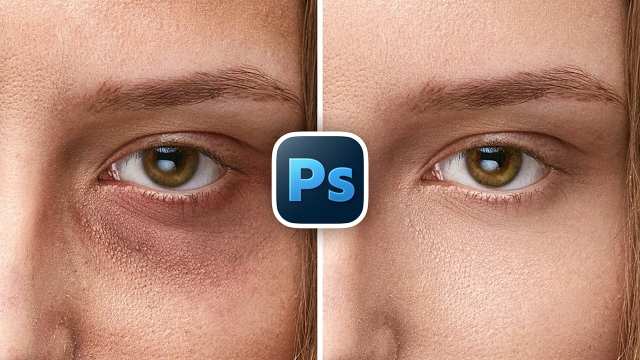
Remove Eye Bags with High-End Retouch in Photoshop
Photoshop in Minutes
بزرگسالان
رایگان
11 بازدید
1 ماه پیش

11 بازدید • 1 ماه پیش • آموزشی • بزرگسالان • رایگان
توضیحی برای این کانال ثبت نشده است.
Learn how to find missing or hidden tools in Photoshop, fix or reset your toolbar, and get everything back exactly the way you want it, fast and easy!
🚀 Join PiXimperfect Pro - The Ultimate Photoshop Training Course: https://pix.live/pro
In this video, I’ll show you how to quickly bring back tools that seem to have disappeared, reorganize and group your toolbar for a cleaner workflow, remove tools you never use, reset the toolbar back to its default state if something goes wrong, and even save custom toolbar presets for different editing needs. Whether you’re struggling to find a specific tool like the Remove Tool, want to redesign your toolbar for speed, or simply set everything back to default and start fresh, this short guide walks you through it step by step with clarity and confidence. I hope this video helps you. Thank you so much for watching :)
► TIMESTAMPS:
00:00 Find Missing Tools
00:45 Arrange and Group Tools
01:20 Clean Up Your Toolbar
01:45 How to Reset
02:34 Choose from 1 or 2 Columns
هنوز نظری ثبت نشده است.